 OpenCall
LiveKit: Cloud (Demo or with limits)
Managed voice/video server — no VPS, TLS or UDP ports to handle.
LiveKit Cloud has a free tier (Build plan, no card) and is ready in minutes.
Steps
Create an account at cloud.livekit.io.
Create a project.
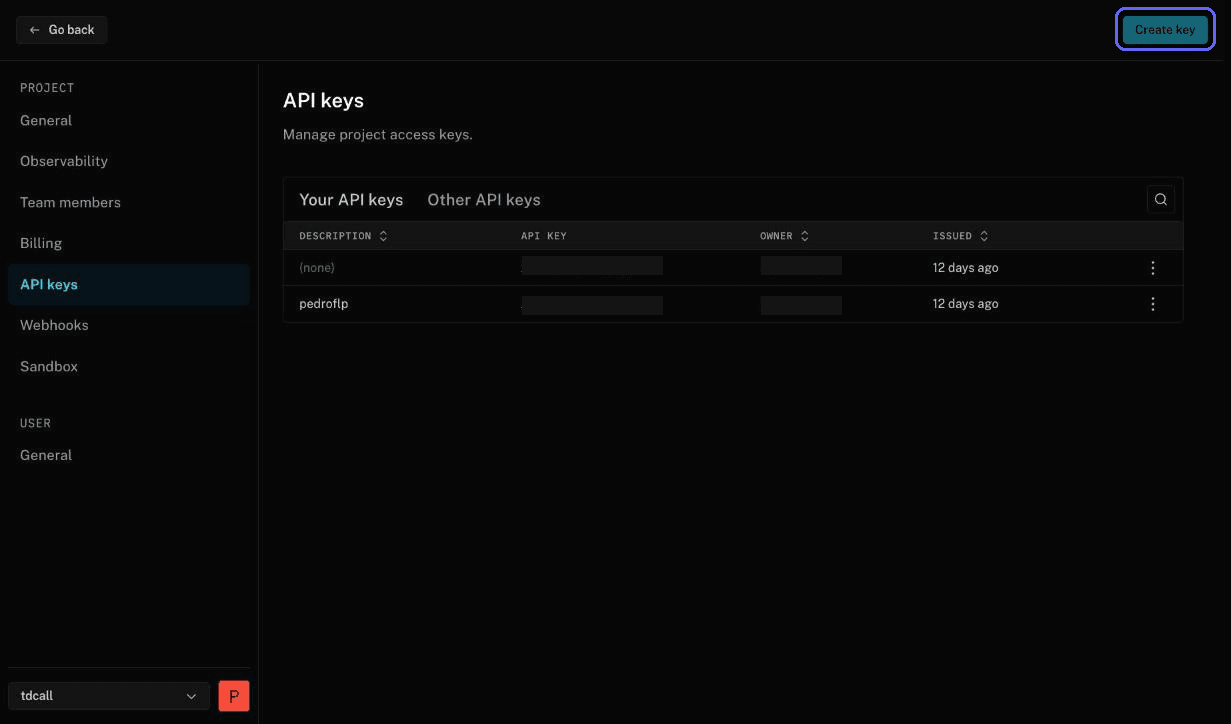
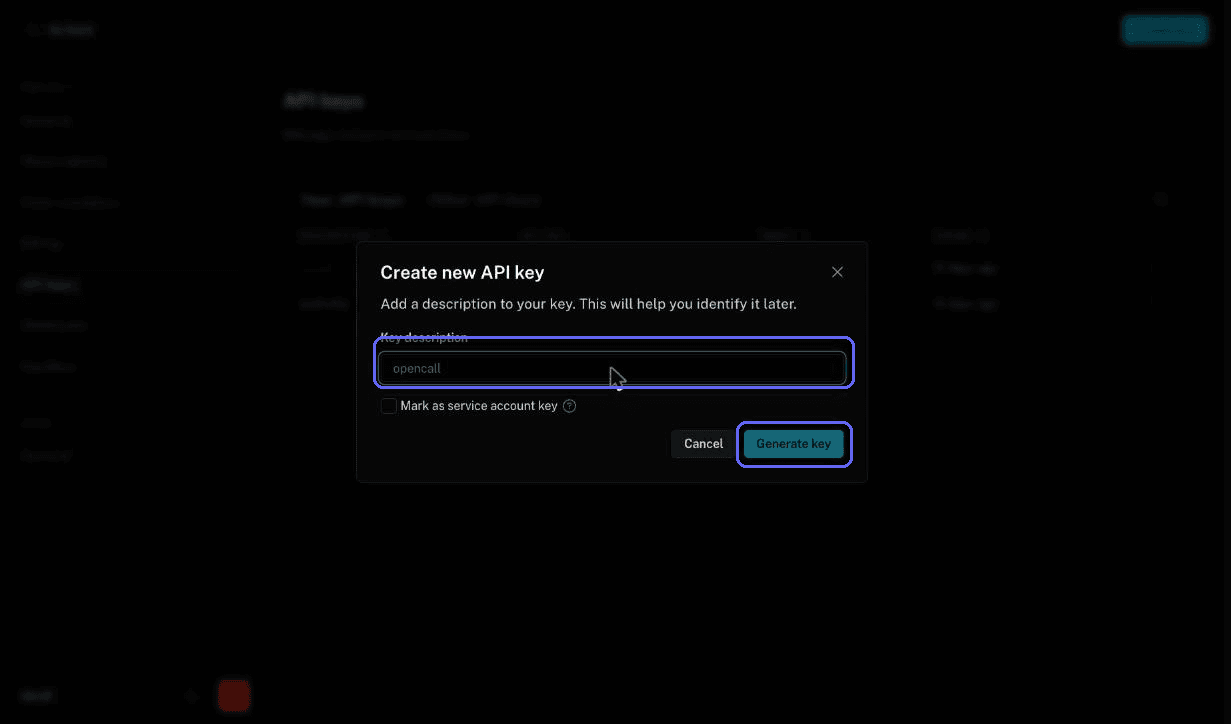
Settings → Keys → generate an API Key/Secret pair.
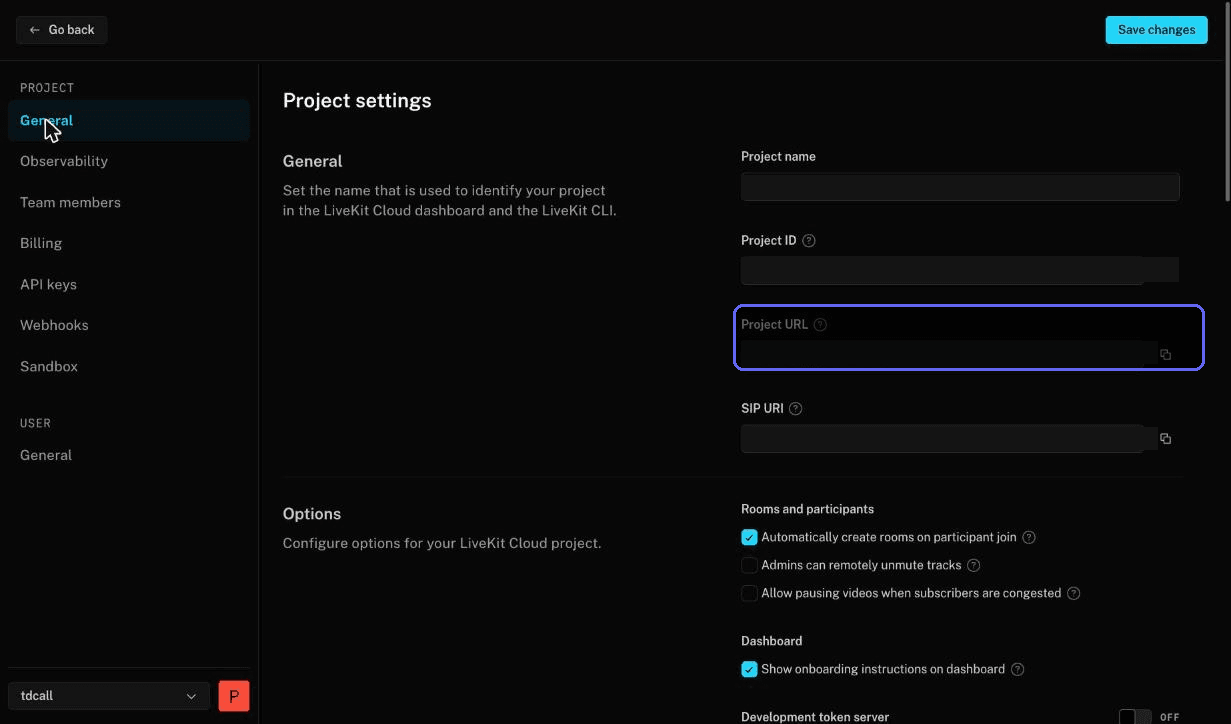
Copy the project's WebSocket URL (format
wss://YOUR-PROJECT.livekit.cloud).
Variables from this step
| Variable | Value |
|---|---|
LIVEKIT_URL | wss://YOUR-PROJECT.livekit.cloud |
LIVEKIT_API_KEY | Generated in step 3 |
LIVEKIT_API_SECRET | Generated in step 3 |
Migrating to self-host later is changing these three values — the code does not change.