 OpenCall
Create a GitHub account and fork
Your own copy of the OpenCall code, which the deploy provider builds from.
The deploy providers in this guide (Railway, Render) build straight from a GitHub repository, so you need an account and a fork of OpenCall.
1. Create a GitHub account
Go to github.com/signup and register an email, a password and a username.
Confirm the verification email. The Free plan covers everything this guide needs — it does not ask for a card.
2. Fork the OpenCall repository
While logged in, open github.com/pedroflp/OpenCall and click Fork (top right).
Keep the default name (OpenCall) and confirm with Create fork. Your copy
lives at github.com/YOUR-USERNAME/OpenCall — that is the URL used in every
deploy step of this guide.
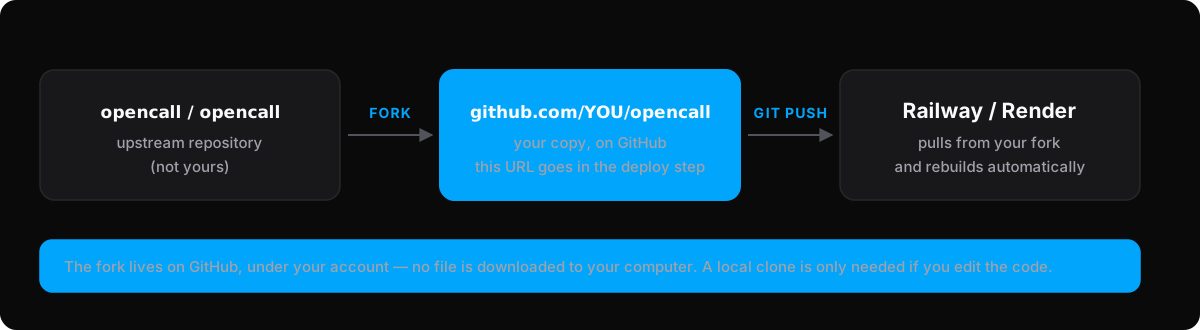
The fork is created on GitHub, under your account — nothing is downloaded to your machine. The deploy provider pulls straight from the fork.
Keeping the fork up to date
Updates in the original repository do not reach your fork automatically. To pull them in, use the Sync fork button on your fork's GitHub page, or:
git fetch upstreamgit merge upstream/mainTwo commands, not one line
Joining them with && works on macOS and on PowerShell 7, but fails on
Windows PowerShell 5.1, which still ships with Windows. Running them one at a
time works everywhere.