 OpenCall
Database
Postgres — via the Railway addon or any provider.
OpenCall uses Postgres through Prisma. Any managed Postgres works — the
requirement is a valid DATABASE_URL.
Option A: Railway addon
If Next.js is going on Railway (see Production deploy (Railway)):
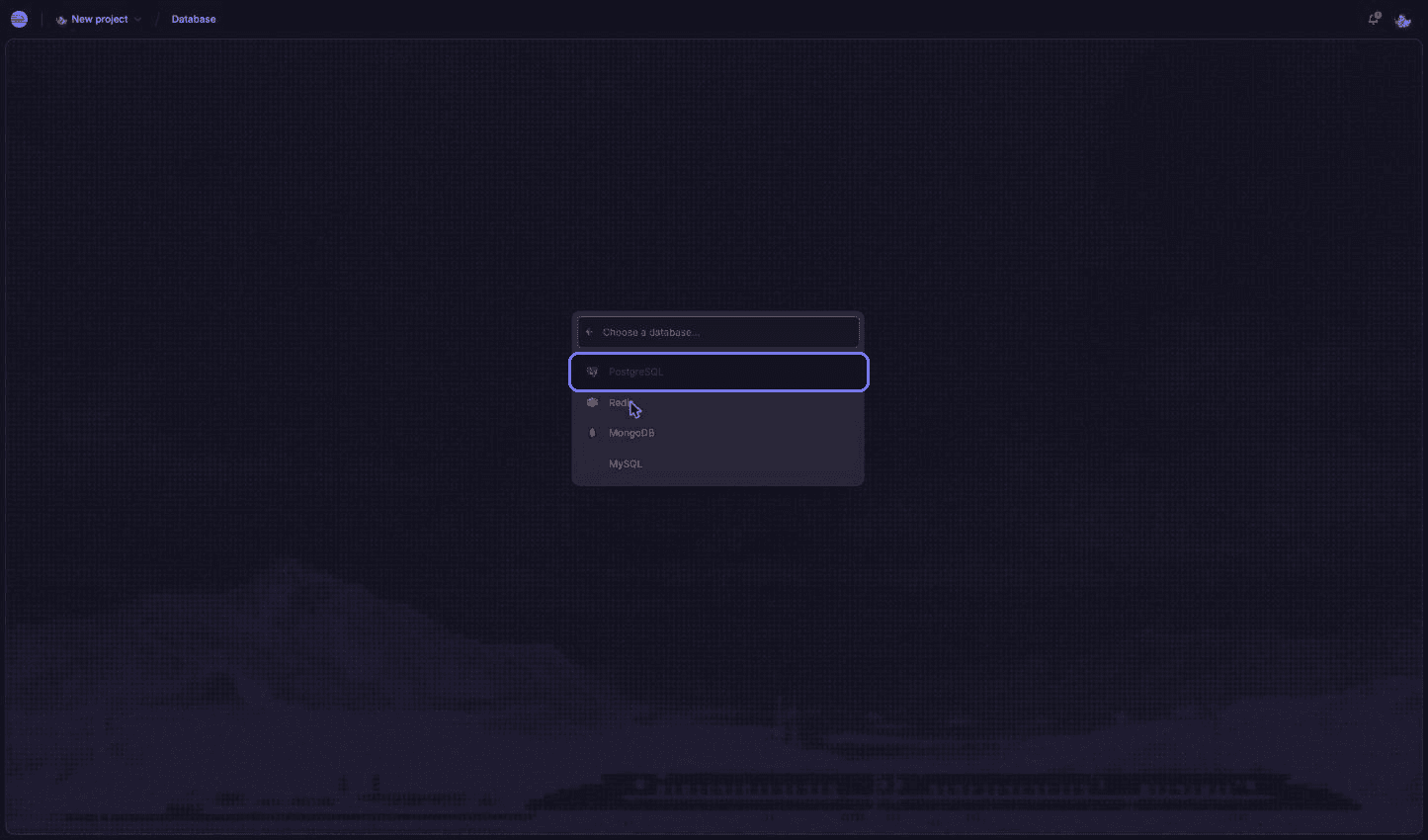
In your Railway project: New → Database → Add PostgreSQL.
On the app service, set DATABASE_URL=${{Postgres.DATABASE_URL}} — Railway
resolves the reference, no connection string to copy by hand.
Option B: Neon (free)
Used in the Demo deploy (Render). Free plan, no card, and it can be created entirely from the command line:
Install the CLI:
npm install -g neonctlGenerate a key under Account settings → API keys and tell the terminal about it:
export NEON_API_KEY="PASTE_YOUR_KEY_HERE"Create the project:
neonctl projects create --name opencall --output jsonAsk for the connection string:
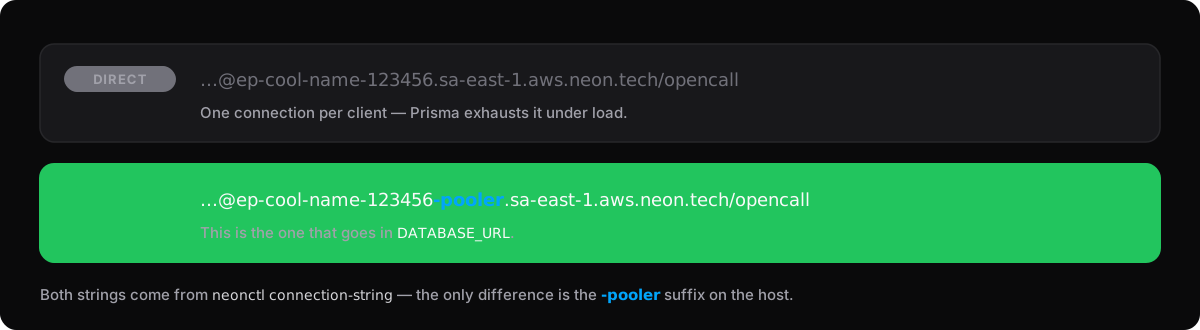
neonctl connection-string --output jsonUse the pooled connection string (the host with the -pooler suffix) as
DATABASE_URL.
Neon Free limits
0.5 GB per project and 100 CU-hours of compute per month; the database suspends after 5 idle minutes, adding ~1s to the next query. Once the monthly quota runs out, compute stays suspended until the next cycle.
Create the tables
After the first deploy, with DATABASE_URL configured, run once:
pnpm prisma db pushThat creates every table from prisma/schema.prisma. Without this step the
app builds and then fails on the first query.
The repository does not version prisma/migrations/, so the command is db push, not migrate deploy.
Variables from this step
| Variable | Value |
|---|---|
DATABASE_URL | postgresql://user:password@host:5432/opencall |